Keep a master and make a sharing copy
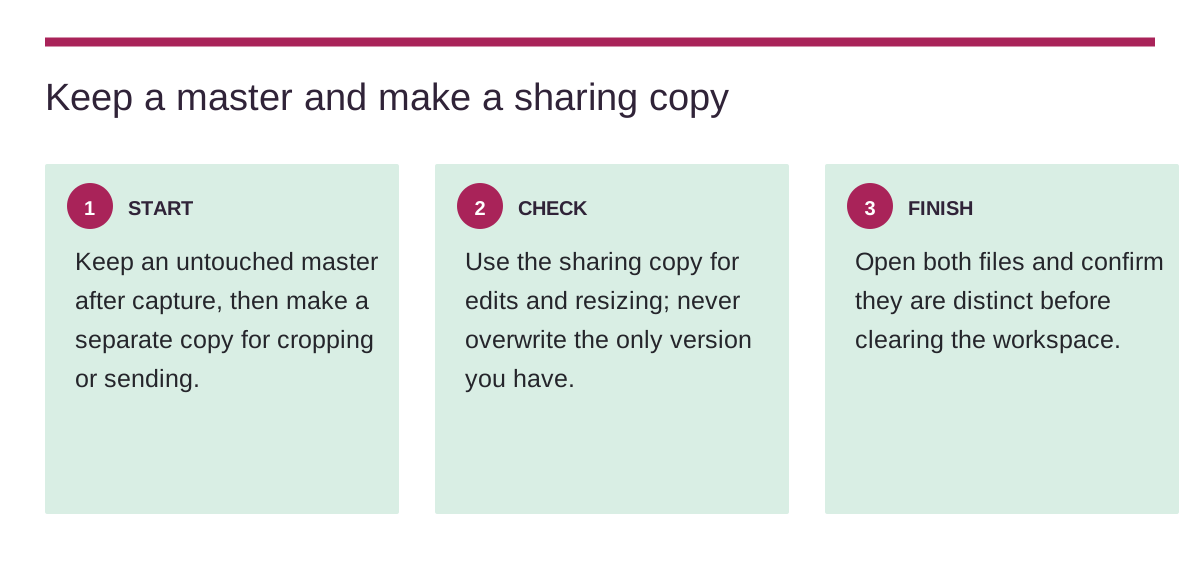
Keep an untouched master after capture, then make a separate copy for cropping or sending.
Disclosure: This post contains affiliate links. If you make a purchase through these links, I may earn a small commission at no extra cost to you.
Keep an untouched master after capture, then make a separate copy for cropping or sending.
Begin with the real constraint
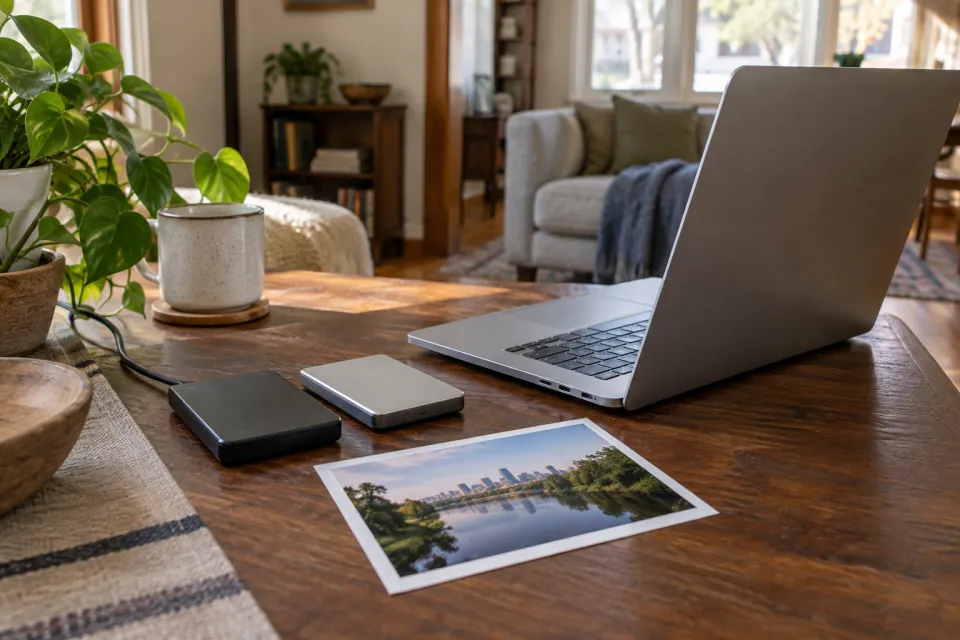
Keep an untouched master after capture, then make a separate copy for cropping or sending. The aim is a small setup you can actually complete, not a larger collection of equipment. Lay out what you already have and notice the step that creates friction before changing anything.
Check the fit before going further
Use the sharing copy for edits and resizing; never overwrite the only version you have. Conditions and specifications vary, so treat this as a question to verify with the relevant maker, venue or source when it applies. A quick trial with the actual objects is more useful than a promise based on a photograph.
Finish where the next session begins
Open both files and confirm they are distinct before clearing the workspace. Take a moment to check that the result is accessible, safe for your situation and simple to repeat. If it still feels cumbersome, reduce the scope before adding a new purchase.